Webinar summary
The presenters of this webinar, the second in the series Mastering CT: Advanced Techniques in Practice, emphasized that the heart of automation in CT lies in repeatability. If scans of the same sample are collected under inconsistent conditions, automated analysis tools can fail or produce misleading results. By ensuring consistency—through standardized mounting, labeling, and scanning parameters—labs can save time, reduce user bias, and achieve higher throughput while maintaining reliable data across projects.
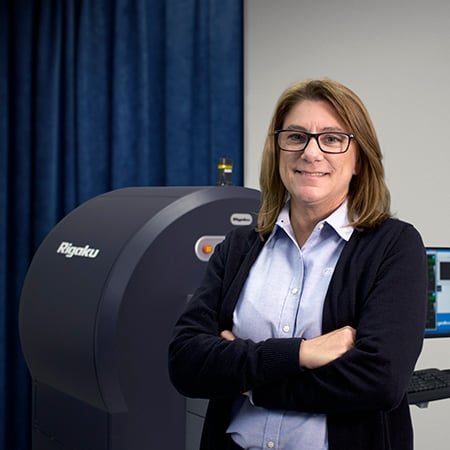
The discussion began with practical aspects of automating the scanning process. Angela highlighted the importance of labeling, noting that when labs work with dozens or even hundreds of samples, embedded identifiers or persistent marks ensure that data can always be traced back to the correct specimen. Sample mounting was another major theme: stability during scanning is critical, and custom 3D-printed holders or simple improvised mounts can minimize movement and make workflows more efficient. Audience members were reminded that orientation matters, with certain geometries—such as mounting batteries vertically—providing better imaging results. Even in labs without automated changers, creative approaches to stacking or arranging samples can approximate automation and reduce hands-on time.
The presenters then moved into the challenge of defining scan parameters. Rather than prescribing a one-size-fits-all method, they explained how sample size, composition, and scientific goals should guide decisions on resolution, X-ray energy, filters, and scan length. Rules of thumb, such as voxel size scaling with the field of view, were paired with practical examples involving rock cores, batteries, and biological samples. They also showed how software tools like NIST’s XCOM or MuCalc can help determine optimal energy ranges. Importantly, the webinar clarified tradeoffs between scan quality and efficiency: higher energy or longer scans can improve signal but may reduce contrast or cause blurring. Participants were encouraged to experiment with subsets of samples to establish scan “recipes” that could then be reused consistently across a full batch.
Once data are collected, automation continues into analysis. The presenters stressed that processing and quantifying CT data can be even more time-consuming than scanning itself, making automation essential. By mapping out each step—data import, corrections, filtering, segmentation, measurement, and even simulation—users can capture their workflows in macros or job scripts within software like Dragonfly or VG Studio Max. Examples showed how a simple macro could automate porosity analysis on rock cores or surface determination for mechanical testing samples, turning hours of manual work into repeatable tasks executed in minutes. These programs also allow for customization through Python scripting or visual programming, giving users flexibility to adapt automation to their specific needs.
The Q&A session underlined how diverse the applications are, with questions ranging from biological samples and dual-energy imaging to submicron resolution challenges. The presenters consistently returned to the same principle: know your sample, define your goals, and then match the scan and analysis strategy to those needs. While automation tools are powerful, they only work as well as the consistency and thoughtfulness built into the setup.
Overall, the webinar offered a clear and practical message: automation in X-ray CT is not about replacing human expertise but about removing variability and speeding up routine tasks. By standardizing labeling, mounting, scanning, and analysis, researchers can focus their energy on interpretation and discovery rather than repetitive setup. For non-experts, the session made it clear that the first steps toward automation are accessible, and even modest changes—like consistent labeling or adopting macros—can transform workflows into something far more efficient and reliable