





Author
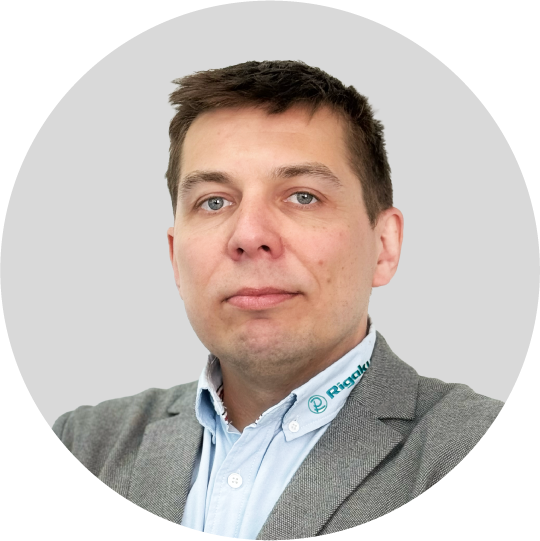
Rigaku Europe SE (RESE) | Neu-Isenburg by Frankfurt am Main, Germany
Dr. Jakub Wojciechowski is an application scientist working in the Rigaku Europe SE office based in Germany. Before Jakub joined Rigaku, he spent seven years as a crystallographer, research scientist and lecturer at the Łódź University of Technology in, Łódź, Poland. During this period, Jakub regularly collaborated with synthetic chemists, very often providing crucial information for publications, which is absolute structure results. Jakub is now responsible for supporting Rigaku’s clients in the Europe/Middle East/Africa region, helping them with data collection and processing, and also crystal structure publication. Want to learn more? Connect with Jakub Wojciechowski, PhD LinkedIn .
Subscribe to the Crystallography Times newsletter
Stay up to date with single crystal analysis news and upcoming events, learn about researchers in the field, new techniques and products, and explore helpful tips.
Contact Us
Whether you're interested in getting a quote, want a demo, need technical support, or simply have a question, we're here to help.